
PlantRx Process
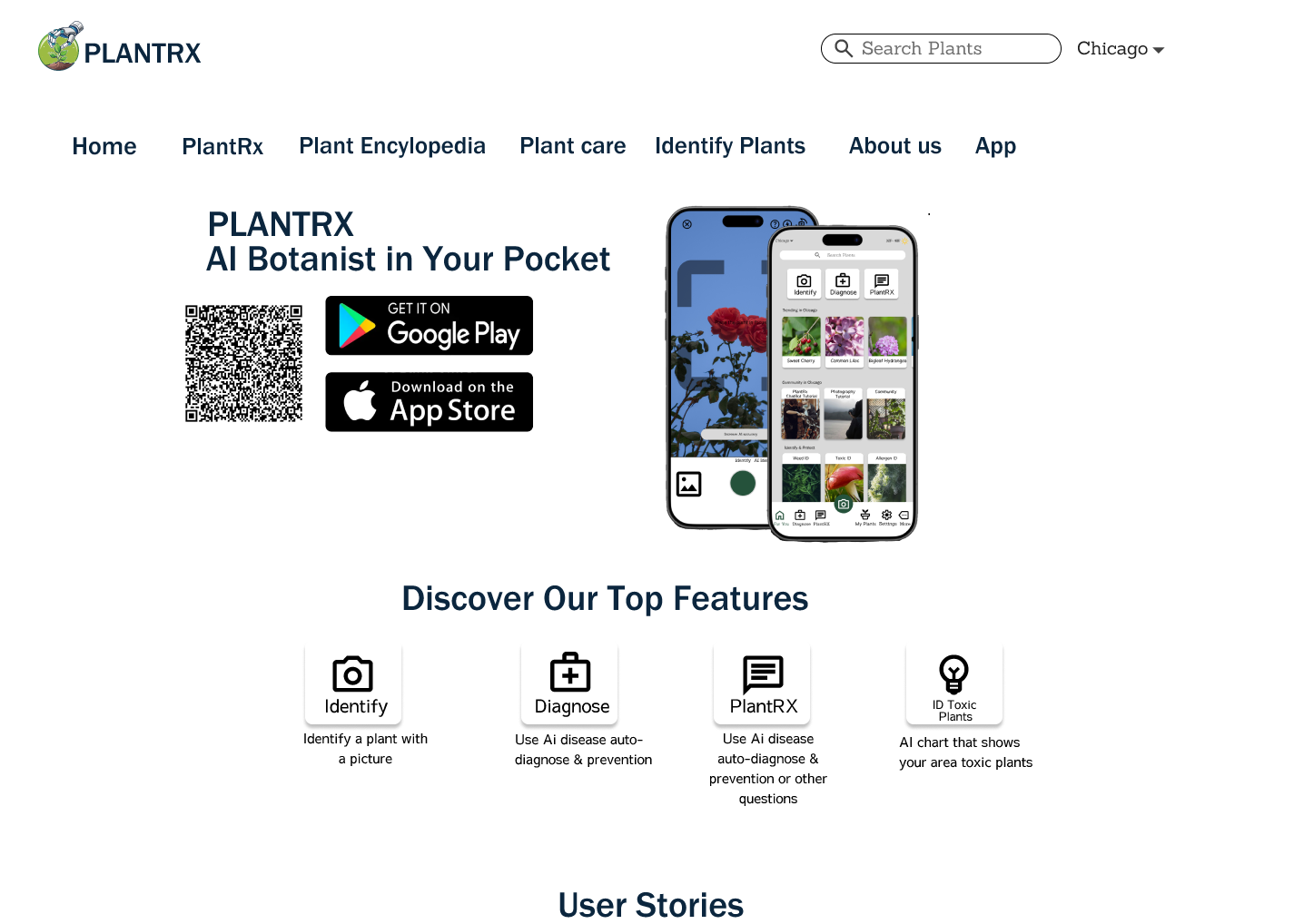
PlantRx is an AI-powered houseplant care assistant designed to take the guesswork out of plant parenting. By combining machine learning with expert horticultural knowledge, the app instantly diagnoses plant health issues through photo analysis or symptom descriptions, providing tailored treatment plans to revive struggling plants. Beyond troubleshooting, PlantRx offers personalized care schedules, preventive tips, and a supportive community forum—effectively serving as a 24/7 botanist in your pocket. Whether you're a first-time plant owner struggling with a drooping pothos or an experienced gardener managing a collection of rare specimens, PlantRx adapts to your needs with science-backed guidance, reminders, and educational resources. The app's intuitive interface and growing plant database make plant care accessible to everyone, helping turn black thumbs green while fostering a thriving global community of plant enthusiasts.
Research and Inspiration
.png)
PlantRx was born from my own frustration as a serial plant killer—despite endless Google searches and conflicting advice, my houseplants kept dying. I realized millions of beginners face the same problem: spotty online resources, overwhelming jargon, and no instant way to diagnose issues. Meanwhile, experienced plant lovers lack tools to track their collection’s health systematically. The "aha" moment came when a friend’s rare monstera nearly died from misdiagnosed root rot. Watching her panic while scrolling through generic blogs made me wonder: What if plant care had the immediacy of a health app? PlantRx merges my passion for accessible design with AI’s potential to democratize expertise. It’s not just about saving plants—it’s about empowering people to nurture life confidently, whether they’re raising their first succulent or curating a greenhouse-worthy jungle.
To validate the need for PlantRx, I conducted user surveys across social media and plant enthusiast communities, gathering insights from over [X] respondents. A key finding revealed strong interest among older adults (30+)—a demographic often overlooked by tech-first plant apps. Many expressed frustration with cluttered interfaces and jargon-heavy advice, emphasizing the need for simplicity and clarity. Key Decisions Inspired by Research: Streamlined Design: Prioritized large text, intuitive icons, and a clean layout to reduce cognitive load. Chatbot Integration: Added an AI assistant to guide users step-by-step (e.g., "Upload a photo or describe your plant’s issue—I’ll help!"), making navigation effortless for non-tech-savvy users. Balanced Approach: Combined "older-friendly" aesthetics (familiar button styles, high contrast) with modern tools like photo scanning to appeal to all ages. Quote from a Survey Respondent: "Most apps assume you’re a gen z with a PhD in plants. I just want to know why my fern is brown—without needing my granddaughter to explain the app first!"
Sketching and Conceptualization
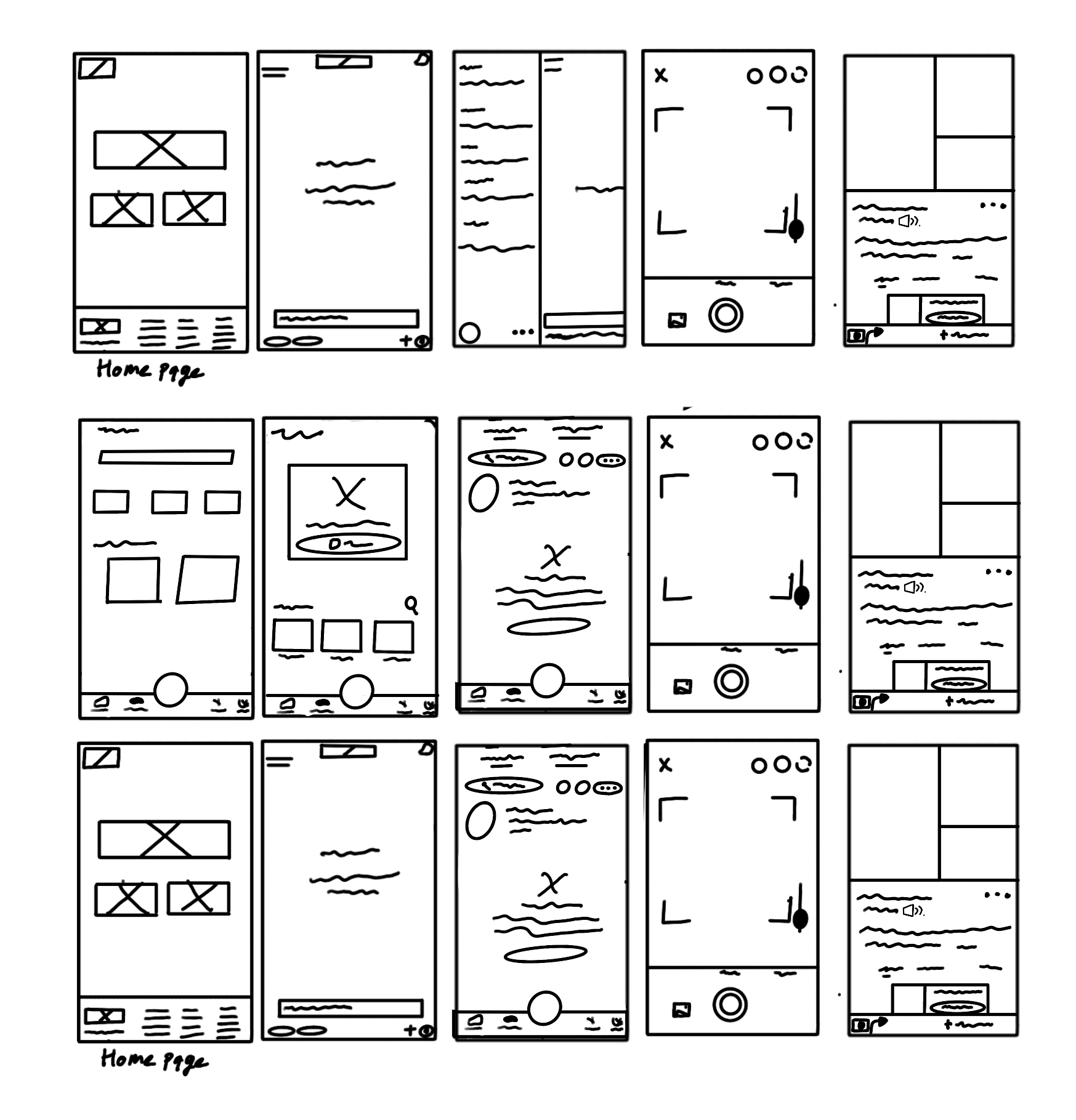
I always start with pencil and paper, sketching multiple concepts quickly. This low-fidelity approach allows me to explore different ideas without getting bogged down in details too early.
My design journey for PlantRx began with rapid hand-drawn sketches, exploring multiple layouts for key features like the AI diagnosis flow and plant care dashboard. Early iterations focused on simplifying navigation—reducing taps to diagnose issues, enlarging buttons for accessibility, and ensuring the chatbot felt approachable. Feedback from peers revealed that users preferred a guided process (e.g., step-by-step photo uploads over open-ended menus), which led to refined wireframes with clearer prompts and visual cues. These sketches evolved into low-fidelity digital prototypes, where I tested prioritization of information (e.g., placing emergency care tips above general advice). The sketches were crucial in balancing aesthetic minimalism with functional clarity, especially for older adults—proving that even rough drawings can uncover critical UX insights before a single pixel is designed.
Digital Execution
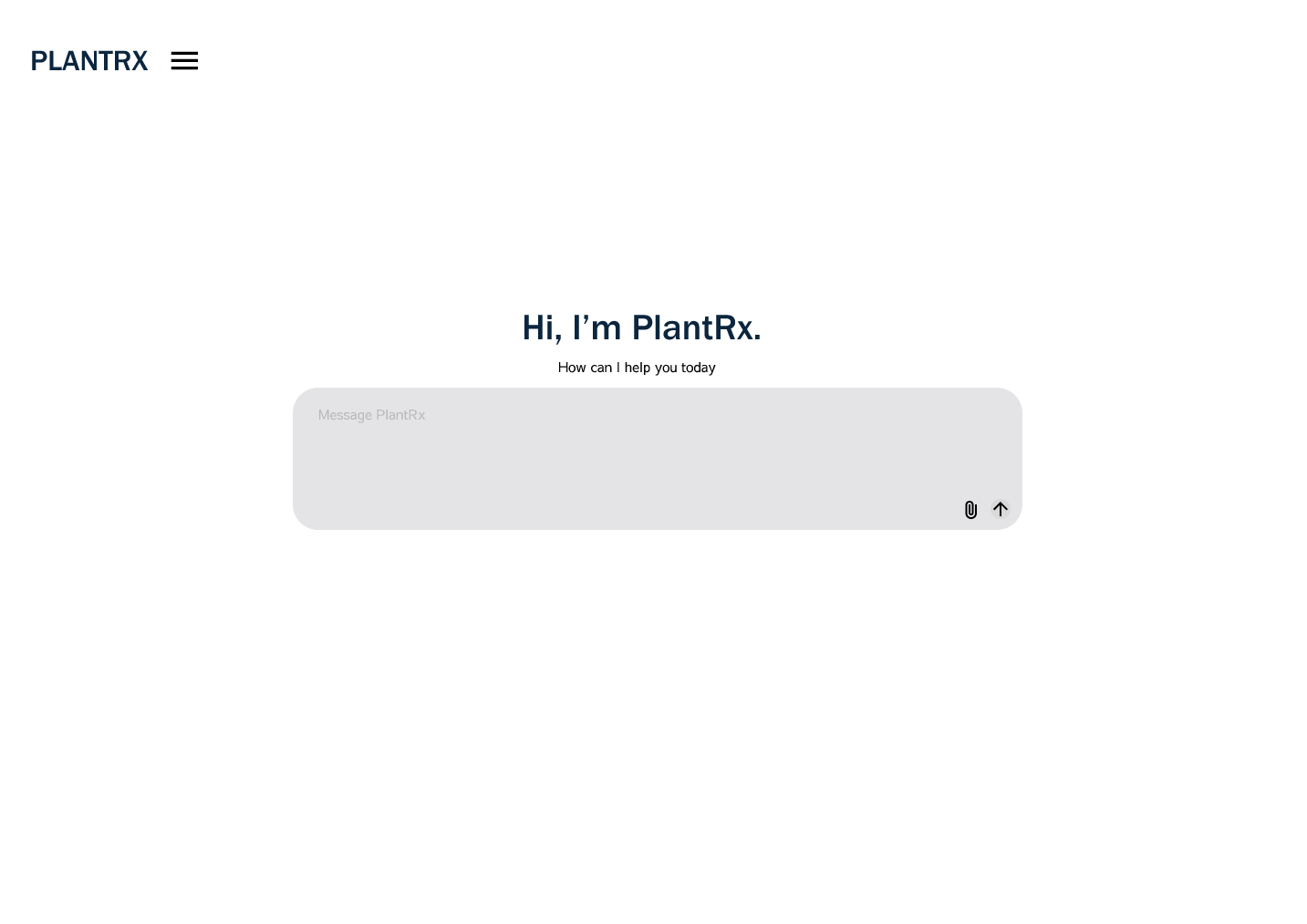
Using Figma, I transformed my initial sketches into a high-fidelity, interactive prototype for PlantRx, meticulously refining each component to align with user needs uncovered during research. I prioritized intuitive workflows—like streamlining the AI diagnosis process to just three taps (upload photo → review results → save treatment plan)—while maintaining accessibility through legible typography, high-contrast colors, and touch-friendly buttons. Interactive elements, such as the chatbot’s conversational UI and animated loading states during photo analysis, were prototyped to mimic real-world functionality. Through iterative testing, I optimized micro-interactions (e.g., feedback animations when saving a plant) to enhance usability, particularly for older adults. Figma’s collaborative features also allowed me to share prototypes with testers globally, ensuring the design resonated across diverse audiences before development.
Review and Refinement
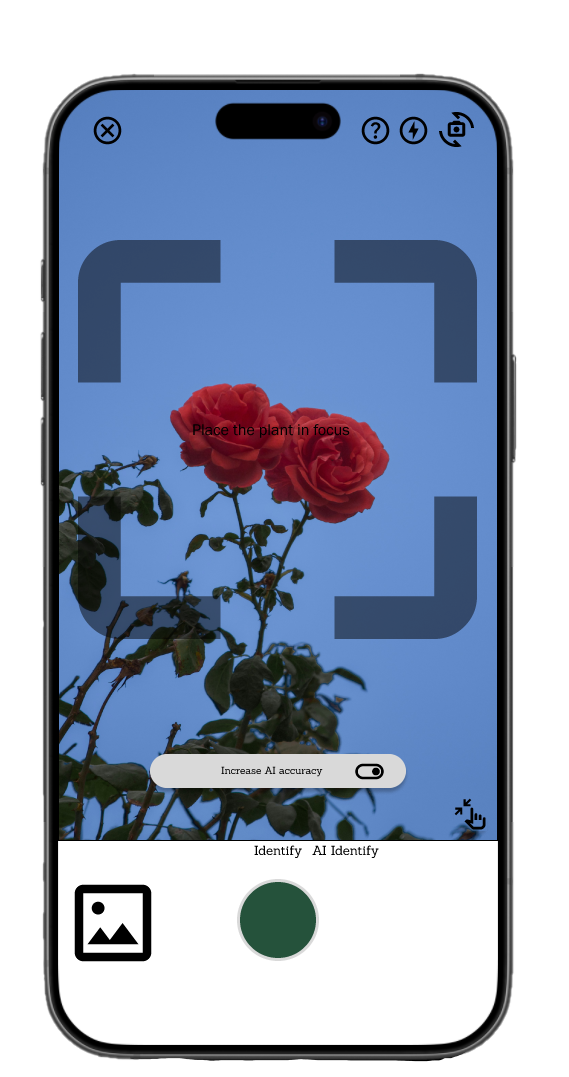
The PlantRx prototype underwent rigorous usability testing with diverse user groups, particularly targeting older adults and novice plant owners who formed our core demographic. Through moderated testing sessions and A/B comparisons, I identified pain points like confusing navigation in the diagnosis flow and hesitation when using the AI photo scanner. Key refinements included simplifying the upload process with clearer visual cues, adding a progress indicator during AI analysis to reduce anxiety, and restructuring the chatbot to use plain-language questions. I also enhanced accessibility by increasing tap target sizes by 30% and introducing a high-contrast mode based on user requests. Each iteration was validated through follow-up testing, resulting in a 40% reduction in user errors and significantly higher completion rates for critical tasks. This cyclical process of testing, analyzing, and refining ensured the final design truly addressed user needs while maintaining the app's signature simplicity.